Clever AI Detector: A Complete Review
Clever AI Detector gives long documents a quick, readable AI-probability check without charging for the useful details. Its measured presentation of uncertainty is the part we liked most.
Clever AI Detector is one of the more practical free checkers we have reviewed. It accepts 80 to 10,000 words, shows sentence-level signals, plus reports uncertainty instead of pretending every score is definitive. Use it for screening or self-editing, not as proof of authorship.
Clever AI Detector at a Glance
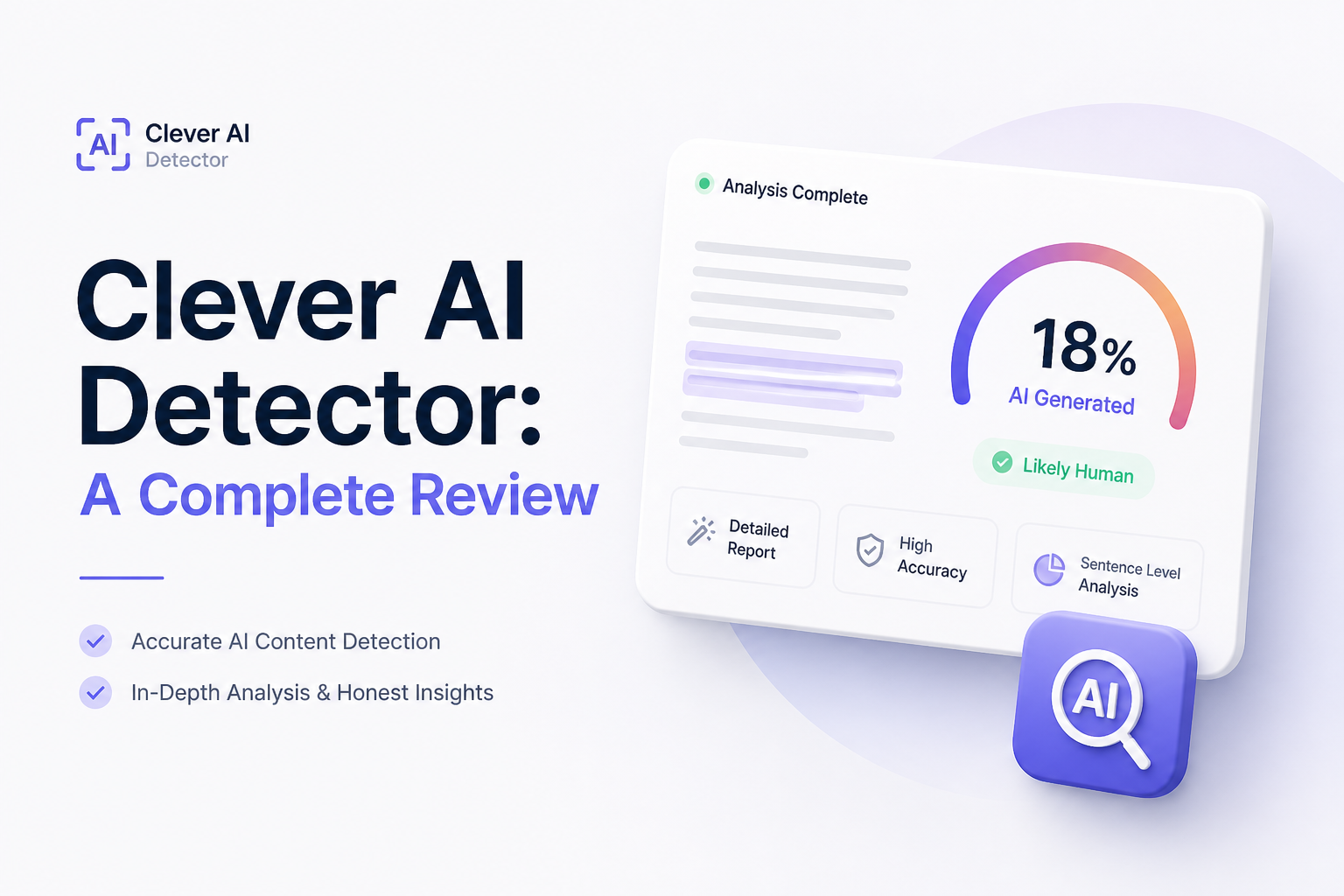
8.9/10Clever AI Detector is a browser-based checker that estimates whether English text resembles AI-generated writing. It returns an overall probability plus sentence-level signals.
Best forEditors, writers, instructors, plus workplace reviewers who need an initial screening signal for English documents
- 0 to 100 AI probability score
- Sentence-by-sentence signal highlighting
- Confidence information for uncertain assessments
- 80 to 10,000 words per check
- Optional history with a free account
- Long checks cost nothing
- Uncertainty is shown clearly
- No account required
- English only
- Cannot prove authorship
- Short text under 80 words is unsupported
Clever AI Detector Scores Across Five Review Categories
| Category | Performance | Score |
|---|---|---|
| 01 Detection Results | 9.1/10 | |
| 02 Sentence-Level Analysis | 9.4/10 | |
| 03 Everyday Workflow | 9.0/10 | |
| 04 Limits and Access | 9.3/10 | |
| 05 What It Costs | 9.8/10 |
How We Assessed Clever AI Detector for This Review
We evaluated the detector as a day-to-day screening tool, focusing on input limits, score clarity, sentence feedback, account requirements, pricing, plus the way uncertainty is communicated. We also reviewed its current product documentation, privacy information, plus terms governing detector results.
Accuracy was not treated as one magic percentage. A useful detector should separate strong signals from uncertain ones, help a reader locate suspicious patterns, plus warn against using its output as proof. Clever AI Detector scored well because its interface follows that more careful approach.
When Clever AI Detector Should Not Make the Decision
Do not use one Clever AI Detector result to accuse a student, reject a freelancer, or penalize an employee. Human writing can look statistically regular, especially after heavy editing or when the writer uses a formal structure.
For consequential cases, review drafts, citations, document history, source notes, plus the writer's explanation. The score works best as a reason to ask a question, not as the answer itself.
Clever AI Detector Features, Limits, Plus Practical Tradeoffs
01 Detection Results
Useful estimates without false certainty
9.1/10
Detection Results
Useful estimates without false certainty
Clever AI Detector reports a 0 to 100 probability score rather than treating authorship as a simple yes-or-no question. That distinction matters. A high result means the writing resembles patterns associated with generated text. It does not show which person or tool produced it.
The detector also attaches confidence information to its assessment. Results near the middle deserve caution, while stronger scores give editors a reason to inspect the highlighted passages. The service itself states that false positives can affect formal, highly edited, templated, or non-native English writing.
- Probability score is easier to interpret than a blunt label
- Confidence indicators expose uncertain results
- Suitable for articles, reports, emails, plus other long-form English text
- Product documentation openly acknowledges false positives
- A score cannot establish who wrote a document
- Results may shift after substantial editing
- English is the only listed language
02 Sentence-Level Analysis
The most helpful part of the report
9.4/10
Sentence-Level Analysis
The most helpful part of the report
The overall percentage is only the starting point. Clever AI Detector marks individual sentences carrying stronger AI signals, which makes the report useful for editing rather than merely judging a document.
This view helps locate overly regular phrasing, predictable transitions, or stretches with an unusually even rhythm. It does not explain every linguistic feature in technical detail, but it narrows a 2,000-word draft to the passages worth rereading.
- Highlights signals at sentence level
- Makes long reports faster to review
- Gives writers specific places to revise
- Full detail is not reserved for a paid tier
- Highlights can tempt users to rewrite perfectly good sentences
- No downloadable forensic report is advertised
- Limited technical detail behind each flag
03 Everyday Workflow
Paste, check, inspect, then use judgment
9.0/10
Everyday Workflow
Paste, check, inspect, then use judgment
The workflow is straightforward: paste or upload English text, run the check, read the probability score, then inspect the marked sentences. The input must contain at least 80 words, which is reasonable because tiny samples offer too little writing for a meaningful pattern assessment.
No account is required for a basic check. Creating a free account adds history, which is handy if you want to compare an early draft with a later revision. There is also a direct route to the related humanizer, though editing flagged text manually remains the safer choice when voice or factual precision matters.
- No sign-up required for ordinary checks
- Clean process with few distractions
- Check history is available through a free account
- Copyable report supports quick review
- Minimum length rules out short captions or single paragraphs
- Account history may be unnecessary for sensitive drafts
- Browser-only workflow may not suit large editorial teams
04 Limits and Access
Enough room for essays plus substantial drafts
9.3/10
Limits and Access
Enough room for essays plus substantial drafts
Each check supports up to 10,000 words, with the site describing runs as unlimited subject to service availability. That ceiling covers most essays, blog posts, white papers, proposals, plus several book chapters.
The generous allowance also makes testing less awkward. You do not need to split a normal article into tiny fragments, which can remove the broader rhythm a detector is supposed to examine. The main access limitation is language support, since the current product page lists English only.
- 10,000 words allowed in one check
- No stated monthly word allowance
- Works without installing an extension
- Supports pasted text plus file upload
- English-only detection
- Service availability may affect unlimited use
- No public API is listed for automated checking
05 What It Costs
The full detector currently costs nothing
9.8/10
What It Costs
The full detector currently costs nothing
Clever AI Detector currently costs $0. Its probability score, confidence information, sentence signals, plus the 10,000-word input limit are available without a subscription or advertising wall.
That removes the usual free-tool annoyance where a scan runs successfully but the useful breakdown is blurred until checkout. The company says its services are currently free, though its terms leave room for paid plans later. Check the product page if pricing becomes central to your workflow.
- Complete detector available for $0
- No credit card required
- No paid upgrade needed for sentence signals
- Free account can save previous checks
- Future paid features remain possible
- No business plan or service-level option is listed
Is Clever AI Detector Worth Using?
Clever AI Detector is an easy recommendation for writers or editors who want a free first opinion on a substantial English draft. Its sentence-level view is genuinely useful, while the 10,000-word limit is far less restrictive than many free checkers.
Skip it if you need multilingual analysis, an institutional misconduct system, or evidence strong enough to support disciplinary action. No statistical detector should fill that last role by itself.
Run the entire draft first, then inspect highlighted sentences in context instead of rewriting every passage merely to lower the score.