Which Is Better: Disk Drill vs. R-Studio for RAID Data Recovery in 2026
Our first pick is Disk Drill for supported arrays that assemble automatically. R-Studio earns its place when you need to work out the array's layout yourself.
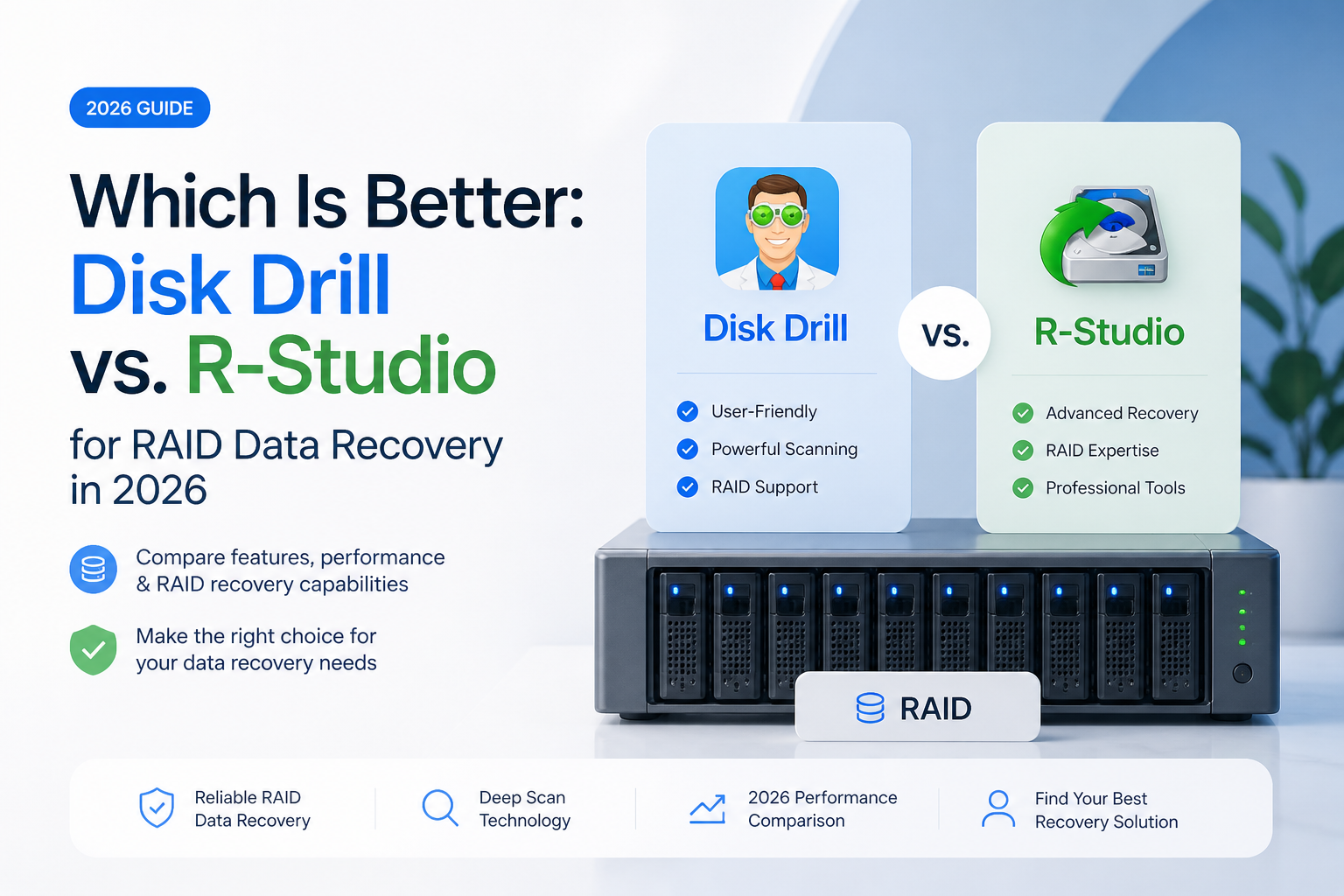
Disk Drill is our best overall choice for a first recovery attempt on a supported software RAID, thanks to its automatic assembly approach. R-Studio is the better choice for manual reconstruction, unusual layouts, or failed automatic detection. This is a workflow-based recommendation, not a measured recovery-rate win.
Disk Drill
8.8/10Best for: NAS owners attempting a first recovery from a supported, automatically recognized array.
- Automatic reconstruction for documented software RAID families.
- Results can be filtered by file type, size, date, or recovery status.
- Supports recovery using byte-to-byte disk images.
- One PRO license covers Windows plus macOS.
R-Studio
8.6/10Best for: Experienced users reconstructing an array with missing metadata or an unusual layout.
- Manual control when automatic assembly is insufficient.
- Supports custom or nested RAID configurations.
- Native Linux version available.
- Virtual arrays can use disk images instead of original members.
Side-by-Side Comparison
Read these as two different recovery workflows, not a promise that either app will restore your array. Prices refer to the listed editions, while release dates below refer specifically to Windows builds.
| Disk Drill 8.8/10 Visit ↗ | R-Studio 8.6/10 Visit ↗ | |
|---|---|---|
| Best for | First attempt on a recognized array | Technical reconstruction work |
| Standout feature | Automatic software RAID assembly | Editable virtual RAID layouts |
| Free recovery | Windows: 100 MB total | Up to 1024 KB per file |
| Paid pricing | $89/year or $149 lifetime | $79.99 standard Windows edition |
| Host platforms | Windows, macOS | Windows, macOS, Linux |
| Verified Windows release | 6.3.1398 · July 22, 2026 | 9.5.191810 · June 20, 2026 |
| Manual RAID layout | Not supported | Supported |
Main Features Comparison
The crucial difference is what happens after automatic recognition fails. These capabilities follow the vendors' RAID documentation, imaging descriptions, plus platform listings.
How to Choose the Right Tool for Your Purpose?
Decide what you need to solve first: finding missing files, or reconstructing the array that held them.
Choose Disk Drill if…
- You want to try automatic assembly first on a documented software RAID type.
- You plan to preview specific files before paying, rather than judge recovery by a file count.
- You need Windows plus macOS access under one PRO license.
Choose R-Studio if…
- You need to enter the layout manually because automatic recognition is insufficient.
- You are investigating a custom or nested array.
- Your recovery workstation runs Linux.
Strong and Weak Sides
For our intended reader, fewer configuration decisions are useful. For a technician, those same missing controls can be a dealbreaker.
Disk Drill — where it wins
- Automatic reconstruction for documented software RAID families.
- Results can be filtered by file type, size, date, or recovery status.
- Supports recovery using byte-to-byte disk images.
- One PRO license covers Windows plus macOS.
Where it doesn't
- No manual RAID layout editor when automatic recognition fails.
- Windows free recovery stops at 100 MB.
- No native Linux application.
R-Studio — where it wins
- Manual control when automatic assembly is insufficient.
- Supports custom or nested RAID configurations.
- Native Linux version available.
- Virtual arrays can use disk images instead of original members.
Where it doesn't
- Manual reconstruction requires correct layout parameters.
- Demo recovery has a 1024 KB per-file ceiling.
- Some advanced imaging features require higher editions.
Real Users’ Reviews
These are paraphrased user reports, not verified recovery tests. Several concern ordinary disks rather than RAID.
Disk Drill Reviews
The poster reported recovering camera photos, praising the clear recovery steps. They explicitly said they had not tested RAID or network storage.
After accidentally reformatting a large disk, this user found Disk Drill's results poorly organized, with confusing filenames. They preferred the results from R-Studio.
R-Studio Reviews
This user reported recovering their reformatted disk's files with the original folder structure through R-Studio. It is a single reported outcome, not a controlled comparison.
A user working on a failed LaCie RAID 0 reported seeing only some files in R-Studio, with no recognized partition matching the array's full size. Their attempt remained unresolved in that account.
Our Verdict
Disk Drill earns our 8.8/10 top pick for a first attempt on a supported array. Its automatic assembly workflow is the reason to start there, not a claim that it can solve every RAID failure. R-Studio scores 8.6/10 for this audience, but is the stronger option when custom reconstruction becomes necessary. If automatic detection produces no usable volume, change your approach rather than assuming another identical scan will help.
Before paying, inspect several large files from different folders, not just one small thumbnail.