Disk Drill Review: Pros, Cons, Pricing, and Real Recovery Results
Disk Drill makes difficult recovery jobs feel manageable, especially with SD cards plus logically damaged drives. The catch is simple: a promising scan is not proof that every found file will open.
Disk Drill is one of the easier recovery apps to use, with useful previews, disk imaging, broad file-system support, plus a camera-focused recovery mode. Download the free edition first, then pay only if your important files preview correctly.
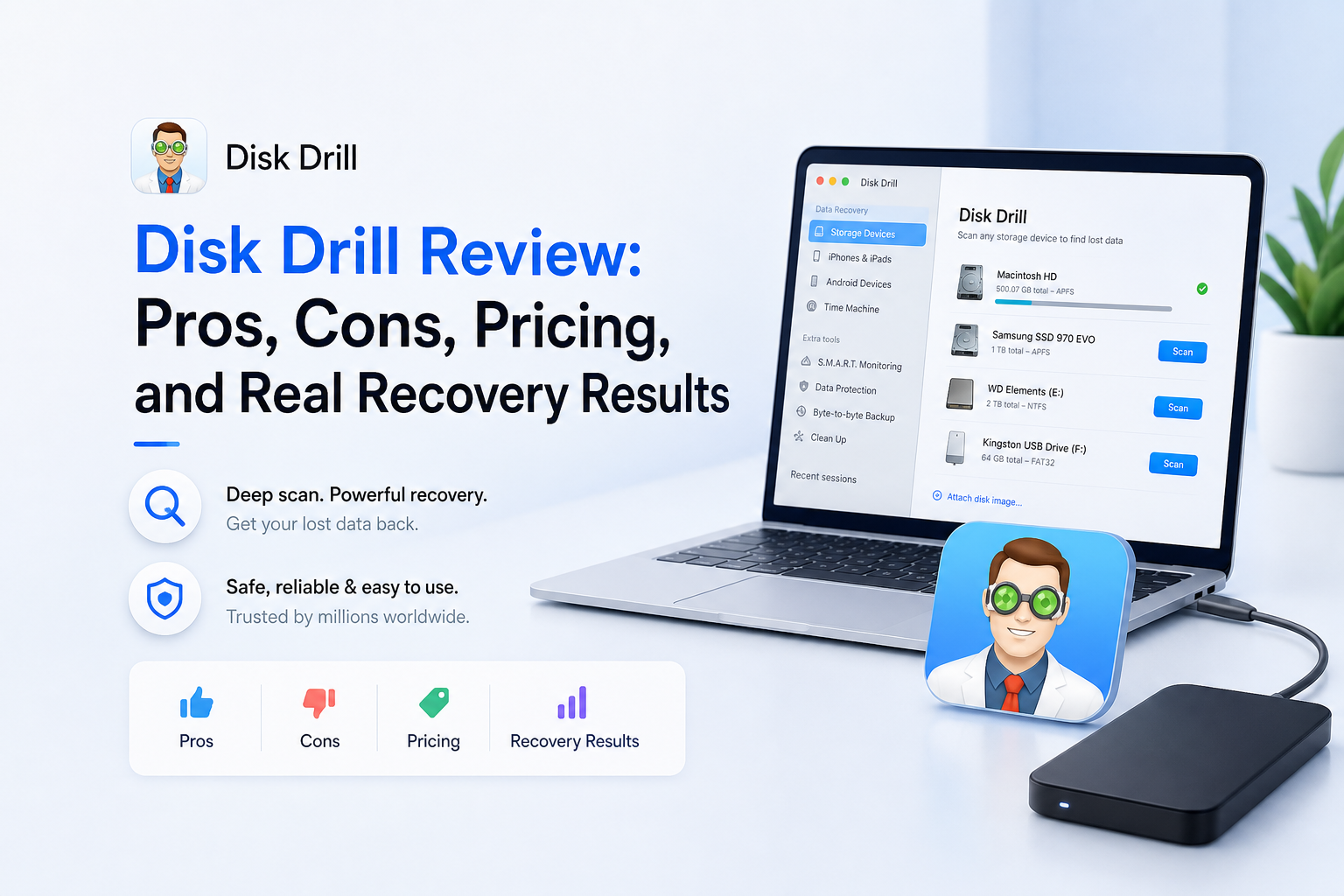
Disk Drill at a Glance
8.4/10Disk Drill is downloadable data-recovery software for Windows plus macOS. It scans drives, previews lost files, creates disk images, then copies recoverable data to safe storage.
Best forPhotographers, home users, plus small shops recovering files from healthy but deleted, formatted, or logically damaged storage
- Quick plus deep scanning
- Advanced Camera Recovery
- File previews plus recovery chances
- Byte-to-byte disk backups
- S.M.A.R.T. drive monitoring
- Easy result browsing
- Strong camera-media tools
- Cross-platform PRO license
- No guaranteed recovery
- Strict refund policy
- Deep scans may take hours
Disk Drill Review Scores by Recovery Category
| Category | Performance | Score |
|---|---|---|
| 01 Recovery Results | 8.9/10 | |
| 02 Preview Workflow | 9.3/10 | |
| 03 Device Coverage | 8.7/10 | |
| 04 Scan Experience | 8.4/10 | |
| 05 Cost & Licensing | 7.2/10 |
How We Evaluated Disk Drill Recovery Results
We reviewed the current Disk Drill 6.3 feature set, official licensing pages, recovery documentation, plus recent user cases involving SD cards, external drives, formatted media, photos, documents, plus video. We gave more weight to reports that included the storage type, failure scenario, recovery time, or a clear description of whether recovered files opened.
This is not a controlled laboratory recovery-rate benchmark. Storage history changes every result, so a single percentage would imply certainty that data-recovery software cannot offer. Scores instead reflect the quality of the scan workflow, preview checks, device support, safety tools, pricing, plus the range of successful and failed cases reported by identifiable users.
When Disk Drill Is the Wrong Recovery Move
Do not keep scanning a hard drive that clicks, grinds, vanishes from the computer, becomes extremely slow, or reports an incorrect capacity. Those symptoms can point to hardware failure. Power the disk down, then contact a reputable recovery lab if the contents matter.
Software is also a poor bet after heavy new use of the affected device. Installing apps, recording more camera footage, or copying files onto the same storage can overwrite deleted data. Modern SSDs may clear deleted blocks through TRIM before any recovery app gets a chance to read them.
Disk Drill Recovery Performance, Features, Plus Pricing in Detail
01 Recovery Results
Best with healthy media plus logical data loss
8.9/10
Recovery Results
Best with healthy media plus logical data loss
Disk Drill looks most convincing in ordinary logical-loss cases: an accidentally formatted SD card, a deleted folder, or a drive whose file system no longer mounts. The supplied Reddit thread describes photos returning in roughly 10 minutes from an inaccessible camera card. Another commenter reported recovering roughly 40–50 GB of wedding footage after formatting the wrong card.
Those stories also show why stopping all use of the affected storage matters. Data that has been overwritten cannot be rebuilt by clever software. Recent critical reviews describe scans that listed files later found to be corrupt, so we would not purchase based on names or recovery-chance labels alone. Open full previews of several high-value files first.
- Good results reported for formatted camera cards
- Advanced Camera Recovery targets fragmented video
- Can retain names plus folders when metadata survives
- Handles deleted files, lost partitions, plus RAW volumes
- A listed file may still be partly corrupt
- Results drop sharply after overwriting or physical damage

02 Preview Workflow
The clearest reason to try it before paying
9.3/10
Preview Workflow
The clearest reason to try it before paying
The preview process is Disk Drill's best feature. Results can be filtered by file type, size, date, recovery chance, or name. Photos are easy to inspect, while supported videos plus documents can often be opened before recovery.
A working preview is much more useful than a green recovery label. Check complete photos, play videos from several points, then open a few documents. RAW camera previews need extra care because some systems display an embedded JPEG rather than validating the full RAW data.
- Full scan runs before a purchase is required
- Filters reduce large result sets quickly
- Recoverability labels help prioritize files
- Scan sessions can be saved for later
- Not every file format previews properly
- A thumbnail alone does not prove the full file is intact
03 Device Coverage
One license covers Windows plus macOS
8.7/10
Device Coverage
One license covers Windows plus macOS
Disk Drill works with internal disks, external hard drives, SSDs, USB sticks, memory cards, disk images, plus many virtual storage formats. It recognizes common Windows, Mac, plus Linux file systems even if the host computer cannot mount the volume normally.
The cross-platform license is unusually practical. One PRO purchase covers one user on up to three devices, including both Windows plus macOS. Mobile recovery is more conditional because access depends on backups, device permissions, operating-system restrictions, plus the device model.
- Windows plus macOS included in one license
- Supports SD, microSD, USB, HDD, SSD, plus disk images
- Reads many cross-platform file systems
- Includes byte-to-byte image creation
- Internal SSD recovery is often blocked by TRIM
- Mobile-device recovery has platform restrictions
- Software cannot fix mechanical drive damage
04 Scan Experience
Friendly enough for a first recovery attempt
8.4/10
Scan Experience
Friendly enough for a first recovery attempt
The main workflow is easy to follow: select a device, start the search, inspect found items, then recover them to a different disk. The interface does a good job of separating pictures, video, audio, documents, archives, plus other files without burying the reader in file-system jargon.
Deep scans can still take hours on a large drive. A recent verified user report described a 3 TB recovery taking several days, though the user recovered important photos plus software. Pausing or saving the scan is useful when the computer cannot stay tied up continuously.
- Clear device list plus recovery controls
- Results appear while scanning
- Scans can be paused or saved
- Disk imaging is available before recovery
- Large deep scans can run for hours or days
- Reconstructed files may lose original names or folders
05 Cost & Licensing
Fair lifetime option, strict refund terms
7.2/10
Cost & Licensing
Fair lifetime option, strict refund terms
Disk Drill Basic costs $0. It permits unrestricted scanning plus previews, while Windows includes up to 100 MB of free recovery under the current comparison page. Mac users generally need PRO for ordinary recovery unless files were protected through Disk Drill's own data-protection features.
PRO costs $89 per year or $149 for a lifetime license. Both cover Windows plus macOS for one user with up to three activations. The lifetime plan includes future Disk Drill upgrades, so it makes more sense if you manage several computers or expect another recovery job.
The main concern is the refund policy. CleverFiles says activated PRO purchases are normally non-refundable unless local consumer law requires otherwise. That makes careful previewing before checkout less of a suggestion, more of a requirement.
- $149 lifetime option avoids recurring charges
- Single license covers Windows plus macOS
- Up to three device activations
- Free scanning plus file previews
- $89 is steep for one small recovery job
- Strict no-refund policy after digital delivery
- Mac Basic is mainly a scan-plus-preview trial
What Disk Drill Users Reported in Real Recovery Jobs
The original poster said an inaccessible SD card produced its missing family photos in about 10 minutes after other tools failed to recognize or reconstruct the media properly.
A wedding shooter reported recovering roughly 40–50 GB of formatted ceremony footage. A small playable clip was tested with the free allowance before the user bought PRO.
This computer technician found Disk Drill useful for logically corrupted but mechanically healthy drives, though the recovery was not perfect.
After purchasing a license, this reviewer found that files shown by the scan were corrupt. The experience highlights why a real preview matters more than a recoverability label.
Should You Download Disk Drill?
Disk Drill is a sensible first try for DIY recovery, particularly for an unreadable SD card, accidental formatting, or recently deleted files on healthy media. Photographers plus less technical users will appreciate the previews, filters, disk imaging, plus camera-recovery workflow.
Skip software entirely if the drive clicks, disconnects, reports the wrong capacity, or contains irreplaceable business data. In those cases, repeated scans can reduce the chance of a successful professional recovery.
Stop using the affected device, create a byte-to-byte image when possible, then confirm that several important files preview fully before buying PRO.