Hard Disk Lost Partition Recovery with Disk Drill: Review 2026
Disk Drill makes a frightening missing-partition problem feel manageable. Its virtual partition search, previews, disk imaging, plus clear result filters make it a strong first DIY option.
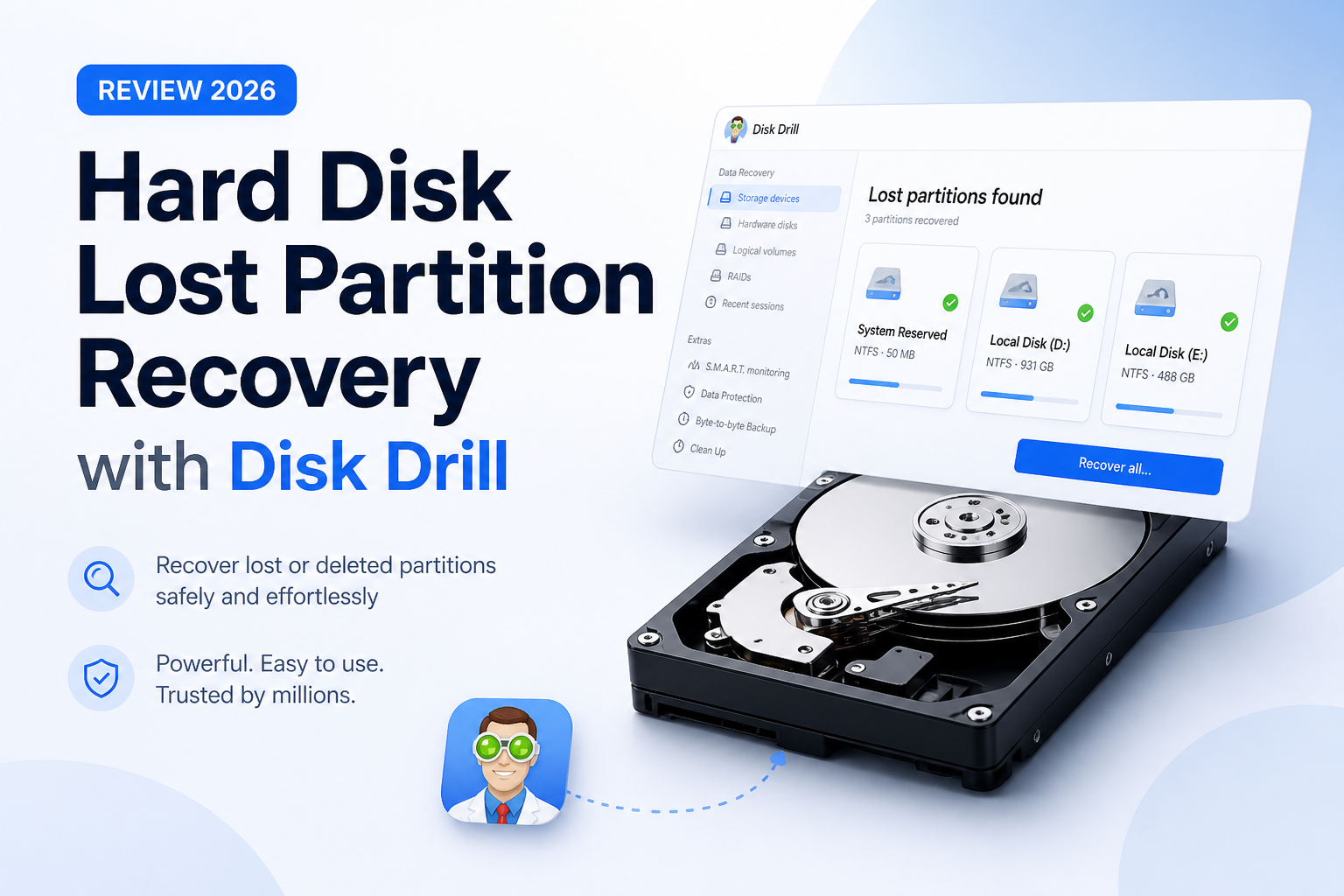
Disk Drill is one of the easier tools to try when a hard disk partition disappears, turns RAW, or becomes unallocated. It can locate a missing volume, expose it virtually, then recover selected files to another disk. Scan plus preview before paying, since no recovery app can restore overwritten data.
Disk Drill Partition Recovery at a Glance
9.1/10Disk Drill is a Windows plus macOS data recovery app. It searches hard disks for missing partitions, lets you inspect found volumes, then copies recoverable files onto separate storage.
Best forHome users recovering files from an accidentally deleted, reformatted, RAW, or unallocated hard disk partition
- Lost Partition Search
- Quick Scan plus Deep Scan
- Free file previews
- Byte-to-byte disk images
- RAW plus unallocated drive scanning
- Excellent missing-volume detection
- Simple preview-led workflow
- Useful disk imaging tool
- Useful recovery usually requires PRO
- No guarantee for overwritten files
- Physically failing drives need a lab
Disk Drill for Lost Partitions: Scores by Recovery Category
| Category | Performance | Score |
|---|---|---|
| 01 Lost Partition Detection | 9.5/10 | |
| 02 Recovered File Quality | 9.2/10 | |
| 03 Recovery Workflow | 9.4/10 | |
| 04 Drive Safety Tools | 8.9/10 | |
| 05 Cost & Licensing | 8.2/10 |
How We Tested Disk Drill for Lost Hard Disk Partitions
We assessed Disk Drill 6 as a file-recovery tool rather than a partition repair utility. The review focused on whether a missing volume could be found at the physical-disk level, shown as a virtual partition, searched for intact files, then recovered without writing changes back to the source.
Scores also considered preview reliability, folder reconstruction, RAW-volume handling, filtering, disk-image support, pricing, plus the clarity of failure warnings. Extra weight went to partition detection because a polished interface means little if the missing volume never appears.
When Disk Drill Is the Wrong Choice for a Missing Partition
Do not run repeated scans on a hard drive that clicks, scrapes, spins down, disappears from the BIOS, or slows to a few kilobytes per second. Each extra read can reduce the time available for a professional imaging attempt. Disconnect it, note what happened, then speak with a reputable recovery lab.
Disk Drill is also a poor bet after extensive overwriting, a full format, secure erasure, SSD TRIM, or loss of an encryption key. A found filename is not enough. Check the actual preview before assuming the content survived.
Disk Drill Lost Partition Recovery Capabilities in Detail
01 Lost Partition Detection
Strong results when the partition map has vanished
9.5/10
Lost Partition Detection
Strong results when the partition map has vanished
Disk Drill's Lost Partition Search is the main reason it fits this job so well. It scans the physical hard disk for partition signatures, including traces left by GPT, MBR, NTFS, exFAT, APFS, HFS+, plus EXT volumes. A detected partition appears as a virtual volume rather than being written straight back to the disk.
That distinction matters. You can open the found volume, inspect its folders, then copy files onto separate storage without changing the damaged source. Original names plus folder paths may survive when enough file-system metadata remains. Severe corruption can force signature-based recovery, which often produces generic names.
- Dedicated lost-partition search at the physical-disk level
- Found volumes appear virtually before recovery
- Supports common Windows, Mac, plus Linux file systems
- Can scan RAW or unallocated space
- Often preserves folder structure when metadata survives
- Cannot reconstruct a partition area that has been overwritten
- Results become less organized after signature-only recovery

02 Recovered File Quality
Previewing separates usable files from hopeful filenames
9.2/10
Recovered File Quality
Previewing separates usable files from hopeful filenames
A long list of filenames does not prove that the contents are intact. Disk Drill's preview panel is more useful than the raw file count because it lets you open supported photos, documents, audio, plus video before buying a license. If a family photo renders correctly or a video plays beyond its opening seconds, that is a much better sign.
Quick Scan favors surviving file-system records, so it has the best chance of retaining names, dates, plus folders. Deep Scan looks beneath the visible directory structure when those records are damaged. Recovery quality still depends on what remains on the disk, not the price of the software.
- Free previews for supported file types
- Recovery-chance labels help prioritize files
- Quick Scan can retain useful metadata
- Deep Scan handles missing or damaged file systems
- Some previews depend on codecs installed in the operating system
- Large fragmented files may be incomplete after heavy damage
03 Recovery Workflow
Approachable even if Disk Management makes little sense
9.4/10
Recovery Workflow
Approachable even if Disk Management makes little sense
The basic route is hard to mess up: select the whole physical hard disk, choose Search for lost data, wait for the missing volume to appear, review its contents, then recover files to another device. Filters for file type, size, date, plus recovery chance keep a multi-terabyte scan from becoming one huge scrolling chore.
Disk Drill saves scan sessions, which helps if you cannot sort through everything at once. The interface also separates existing files, deleted items, plus reconstructed results. That small bit of organization is handy when you only need one project folder from a partition containing years of clutter.
- Clear physical-disk selection screen
- Useful file filters plus search
- Scan sessions can be paused or revisited
- Existing, deleted, plus reconstructed files are separated
- Recovery destination warning discourages writing to the source
- Full scans of large hard disks can take hours
- A huge result set still requires manual checking
04 Drive Safety Tools
Disk imaging is the feature to use before a risky scan
8.9/10
Drive Safety Tools
Disk imaging is the feature to use before a risky scan
Disk Drill includes byte-to-byte backup creation, letting you make a sector-level image of the troubled hard disk. You can scan that image rather than repeatedly reading a questionable drive. This is especially sensible if the disk disconnects, slows down without reason, reports bad sectors, or has recently started behaving differently.
The scanner is designed to read rather than repair the source. Still, software is not the right response to mechanical damage. Clicking, grinding, failed spin-up, severe overheating, or repeated disappearance from the BIOS calls for a recovery lab, not another scan.
- Byte-to-byte image creation is included
- Disk images can be scanned like physical media
- Read-focused recovery avoids partition-table repair
- S.M.A.R.T. information can expose obvious warnings
- Imaging requires spare storage at least as large as the source
- S.M.A.R.T. status cannot rule out every hardware fault
- Home software cannot fix mechanical damage
05 Cost & Licensing
The free edition is best treated as a proof test
8.2/10
Cost & Licensing
The free edition is best treated as a proof test
Disk Drill Basic costs $0. It can scan a missing partition, show found files, create previews, plus recover up to 100 MB on Windows. That allowance is enough for a few documents or test images, not a lost partition containing hundreds of gigabytes.
Disk Drill PRO is listed at $89 per year, while the lifetime option is $149. The sensible move is to pay only after the exact files you need open successfully in preview. The published refund policy does not promise a refund merely because recovery fails.
- Free scanning plus previews reveal likely results
- Windows includes a 100 MB recovery allowance
- One license covers a practical DIY recovery toolkit
- 100 MB is tiny beside a normal hard disk partition
- Annual pricing feels steep for a one-time accident
- Failed recovery alone does not guarantee a refund
What Disk Drill Users Report About Real Recoveries
The poster says Disk Drill recovered photos from an inaccessible RAW memory card after Recuva could not see it. They also liked the previews, filters, plus Advanced Camera Recovery.
One user reported recovering a reformatted external hard disk, calling the lifetime license worthwhile for that result.
Another user recovered data from a SanDisk external hard disk after trying several approaches. They praised the clean interface plus responsive email support.
Critical replies focus on the license price, refund frustration, or scans that found files without restoring the expected folder structure. The mixed reports are a good reason to test previews first.
Should You Use Disk Drill for a Lost Hard Disk Partition?
Disk Drill is easy to recommend for a logically lost hard disk partition, especially when the drive remains visible to Windows or macOS without showing the expected volume. Its virtual partition detection, previews, result filters, plus byte-to-byte imaging create a safer workflow than blindly repairing the partition table.
Get it if you want a guided DIY recovery route from an otherwise healthy disk. Skip home recovery if the hard drive clicks, vanishes from the BIOS, stalls during reads, or contains irreplaceable business data.
Stop using the affected hard disk, scan the whole physical device, preview several important files, then recover them onto a different drive.