Disk Drill for RAID Data Recovery: Review 2026
Disk Drill makes software RAID recovery unusually approachable. Its automatic reconstruction works across many common Windows, macOS, Linux, QNAP, plus Synology layouts, though damaged hardware still belongs in a lab.
Disk Drill is a good first stop for a logically damaged software RAID, especially if every member disk remains readable. It detects many common RAID layouts automatically, creates a virtual volume, then uses the same simple scan-plus-preview workflow found elsewhere in the app.
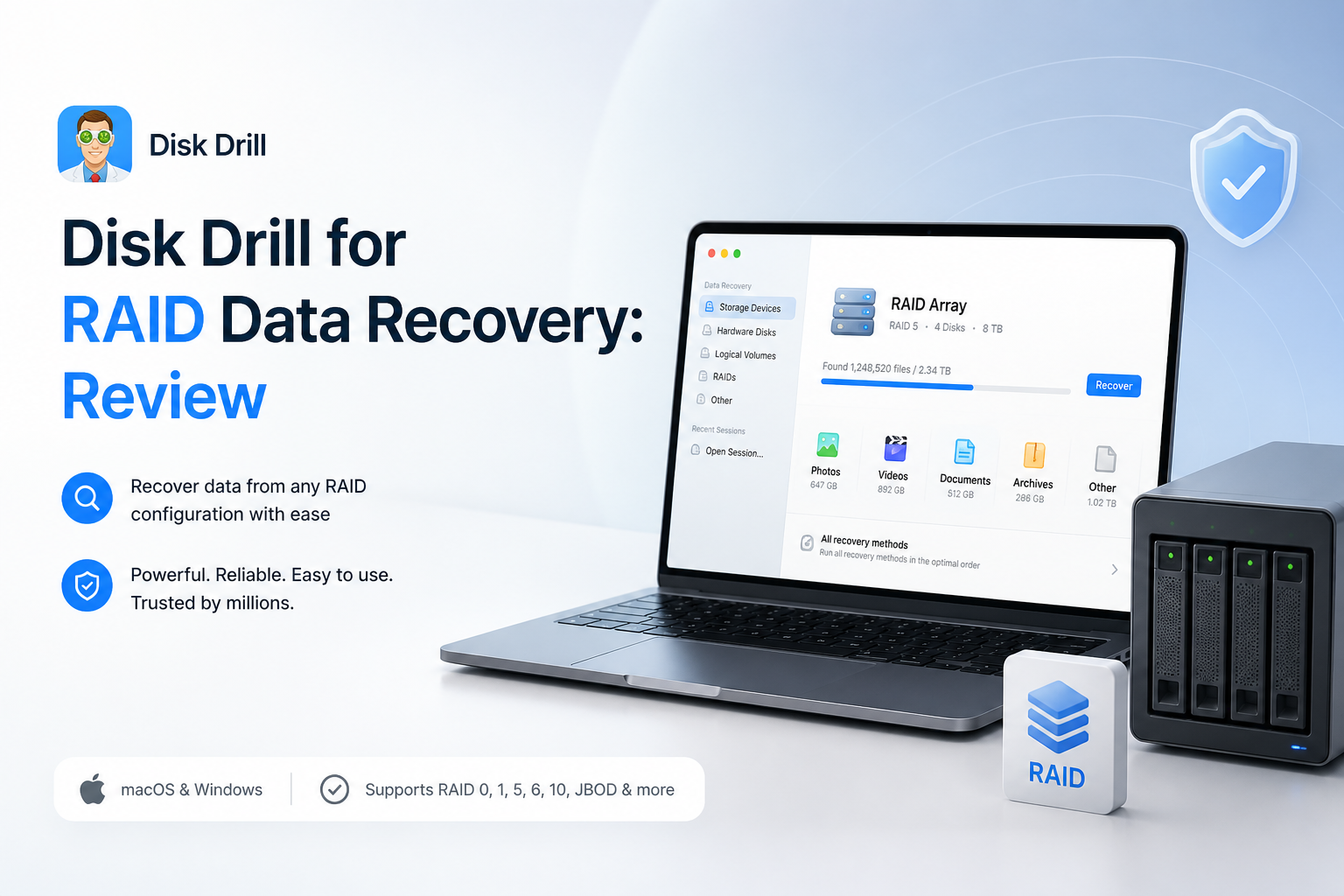
Disk Drill for RAID Recovery at a Glance
8.8/10Disk Drill is a Windows plus macOS data recovery application that can automatically reconstruct many software RAID, NAS, Storage Spaces, Fusion Drive, plus SHR layouts. It scans the resulting virtual volume for accessible or deleted files.
Best forHome NAS owners, small offices, plus technical users facing logical failure on readable RAID disks
- Automatic virtual RAID reconstruction
- Linux, Windows, macOS, plus NAS array support
- File preview before paid recovery
- Byte-to-byte disk imaging
- Saved scans with result filters
- Simple reconstruction workflow
- Wide file-system coverage
- Useful preview plus imaging tools
- No complete manual RAID builder
- Not suitable for physically failed disks
- Meaningful recovery usually requires PRO
Disk Drill RAID Recovery Features in Detail
01 RAID Reconstruction
Automatic assembly removes much of the guesswork
9.2/10
RAID Reconstruction
Automatic assembly removes much of the guesswork
Disk Drill’s strongest RAID feature is its ability to identify member disks, read stored metadata, then assemble a virtual RAID volume. You do not have to enter stripe size, parity rotation, or disk order for a supported layout. That is a major relief for a home NAS owner who knows which disks came from the enclosure but little else.
The reconstructed volume appears in the RAIDs section with a Valid, Recovered, or Corrupted status. From there, scanning feels much like recovery from a normal disk. The catch is important: all available members should be connected at once, plus each drive must remain individually accessible to the computer.
- Automatic detection of supported RAID metadata
- Virtual reconstruction avoids writing to the source disks
- Clear array status labels
- No stripe-size calculations for recognized layouts
- No full manual RAID builder yet
- Enterprise hardware-controller layouts have limited support

02 Array Compatibility
Useful coverage for common NAS plus desktop layouts
9.0/10
Array Compatibility
Useful coverage for common NAS plus desktop layouts
Coverage is broader than the friendly interface suggests. Disk Drill supports common Linux RAID levels from RAID 0 through RAID 6, RAID 10 or 1E, plus JBOD. BTRFS arrays, Windows Storage Spaces, Apple software RAID, Fusion Drive, Synology SHR-1, plus SHR-2 are also listed.
File-system support fits typical mixed environments. That includes NTFS, ReFS, FAT32, exFAT, APFS, HFS+, EXT2 through EXT4, plus BTRFS. QNAP owners may benefit because many QTS systems rely on standard Linux RAID structures. Still, unusual controller metadata or a heavily customized enterprise array can fall outside the automatic path.
- Supports major Linux software RAID levels
- Handles Windows Storage Spaces
- Recognizes Synology SHR-1 plus SHR-2
- Covers APFS, NTFS, EXT4, BTRFS, plus other common systems
- No native Linux application
- Custom controller configurations may need specialist software
03 Recovery Workflow
Straightforward once the disks are safely connected
9.1/10
Recovery Workflow
Straightforward once the disks are safely connected
The working sequence is refreshingly short: connect the member disks, let Disk Drill identify the array, scan the virtual volume, preview important files, then recover them to separate storage. Filters for file type, size, date, or recovery chance make a huge result set less annoying to sort.
Previewing matters more than the recoverability label. A detected filename proves very little if its data blocks were overwritten or corrupted. Open several critical photos, documents, archives, plus videos before paying. For large video files, play or inspect more than the first frame where possible.
- Clean device-to-recovery sequence
- Search plus filters reduce result clutter
- File previews are available before purchase
- Scan sessions can be saved for later review
- Large multidisk scans may take hours
- Lost metadata can produce generic names or rebuilt folders
04 Drive Safety Tools
Helpful imaging features with sensible limits
8.6/10
Drive Safety Tools
Helpful imaging features with sensible limits
Disk Drill includes byte-to-byte backup, which can create an image of a readable disk before deeper analysis. That is useful if one RAID member has bad sectors or intermittent read errors. Working from images reduces repeated stress on the original disks, though you need enough spare capacity to store every image plus the recovered files.
This remains DIY software, not a substitute for clean-room work. Clicking drives, repeated disconnects, a burning smell, or members that no longer appear with the correct capacity are reasons to stop. Software cannot repair physical media damage.
- Byte-to-byte disk imaging is built in
- Recovery writes can be directed away from the source
- S.M.A.R.T. details help flag troubled drives
- Virtual reconstruction does not alter the original array
- Imaging a full array requires substantial spare storage
- S.M.A.R.T. health does not catch every mechanical problem
05 Cost & Licensing
Fair lifetime option, limited free recovery
8.1/10
Cost & Licensing
Fair lifetime option, limited free recovery
Disk Drill Basic lets you scan the array plus preview recoverable files for $0. Windows also includes up to 100 MB of ordinary recovery, which is enough for a few documents or a small integrity check. A real RAID job will almost certainly require PRO.
PRO costs $89 per year or $149 for a lifetime license. One license covers Windows plus macOS for one user on up to three devices. The annual plan renews automatically unless canceled, while purchases are generally final, so preview the files that matter before upgrading.
- Free scanning plus previews before purchase
- Lifetime license avoids recurring bills
- One license covers Windows plus macOS
- Up to three personal devices
- Free recovery is tiny for a RAID job
- Annual subscription renews automatically
- Refunds are generally restricted
How We Evaluated Disk Drill for RAID Data Recovery
We reviewed Disk Drill’s August 2026 feature set against five practical parts of a RAID recovery job: member-disk detection, virtual reconstruction, file-system coverage, result verification, plus safe export. We also checked the documented workflow for Linux RAID, Windows Storage Spaces, Apple software RAID, BTRFS, Fusion Drive, Synology SHR, plus common QNAP layouts.
Scores place extra weight on whether a non-specialist can reach a preview without changing the source disks. Pricing, license terms, free recovery limits, imaging tools, missing manual controls, plus user complaints about unusable files were included rather than treating a detected filename as a successful recovery.
When Disk Drill Is the Wrong Choice for a Failed RAID
Do not keep scanning a RAID member that clicks, spins down, vanishes repeatedly, or reports a strange capacity. Every extra power cycle can make a mechanical failure worse. A professional lab is the safer route when several members have physical trouble, the array holds the only copy of essential company data, or an attempted rebuild already changed parity.
Disk Drill is also less suitable when you must manually define a rare controller layout. Its current strength is automatic reconstruction of recognized software arrays. A specialist RAID editor may offer more control over disk order, offsets, stripe size, parity delay, plus custom geometry.
Disk Drill for RAID Recovery: How We Scored Each Category
| Category | Performance | Score |
|---|---|---|
| 01 RAID Reconstruction | 9.2/10 | |
| 02 Array Compatibility | 9.0/10 | |
| 03 Recovery Workflow | 9.1/10 | |
| 04 Drive Safety Tools | 8.6/10 | |
| 05 Cost & Licensing | 8.1/10 |
What Disk Drill Users Report After Recovery Attempts
The original poster said Disk Drill recovered photos from a RAW SD card after other utilities failed to recognize it. They liked the clear interface plus preview process, though the larger recovery required payment.
A wedding videographer reported recovering roughly 40 to 50 GB after formatting the wrong camera card. A small playable clip gave them enough confidence to purchase the full version.
One critical user said the scan looked promising, but the paid recovery produced unusable files. Their complaint is a useful reminder to confirm actual file previews rather than relying only on listed filenames or recovery ratings.
A Trustpilot reviewer said the paid result lacked usable files plus the expected folder organization. Similar complaints often involve damaged metadata, overwritten content, or files that could not be properly previewed first.
Should You Use Disk Drill for RAID Recovery?
Disk Drill is worth trying for a failed software RAID whose member disks are still readable. Its automatic reconstruction, broad format coverage, plus approachable scanning tools remove several technical barriers without writing changes to the source array. Skip DIY recovery if a drive clicks, disappears, reports the wrong capacity, or contains irreplaceable business data with no backup.
Label every member disk, image questionable drives first, then preview several critical files before buying or starting a large recovery.