UFS Explorer Review 2026: Pros, Cons and Alternatives
UFS Explorer Standard Recovery has a capable engine, broad file-system support, plus useful imaging controls. Its technical interface, tiny free recovery allowance, separate platform licenses, plus uneven everyday workflow keep it from being our first pick.
UFS Explorer Standard Recovery can handle unusual file systems plus damaged volumes, but routine recovery feels more complicated than it should. Most home users should download Disk Drill first for clearer scan results, better previews, plus a smoother path from lost file to restored copy.
The trial saves only files no larger than 256 KB, so finding your photos or videos does not mean you can recover a useful sample without paying.
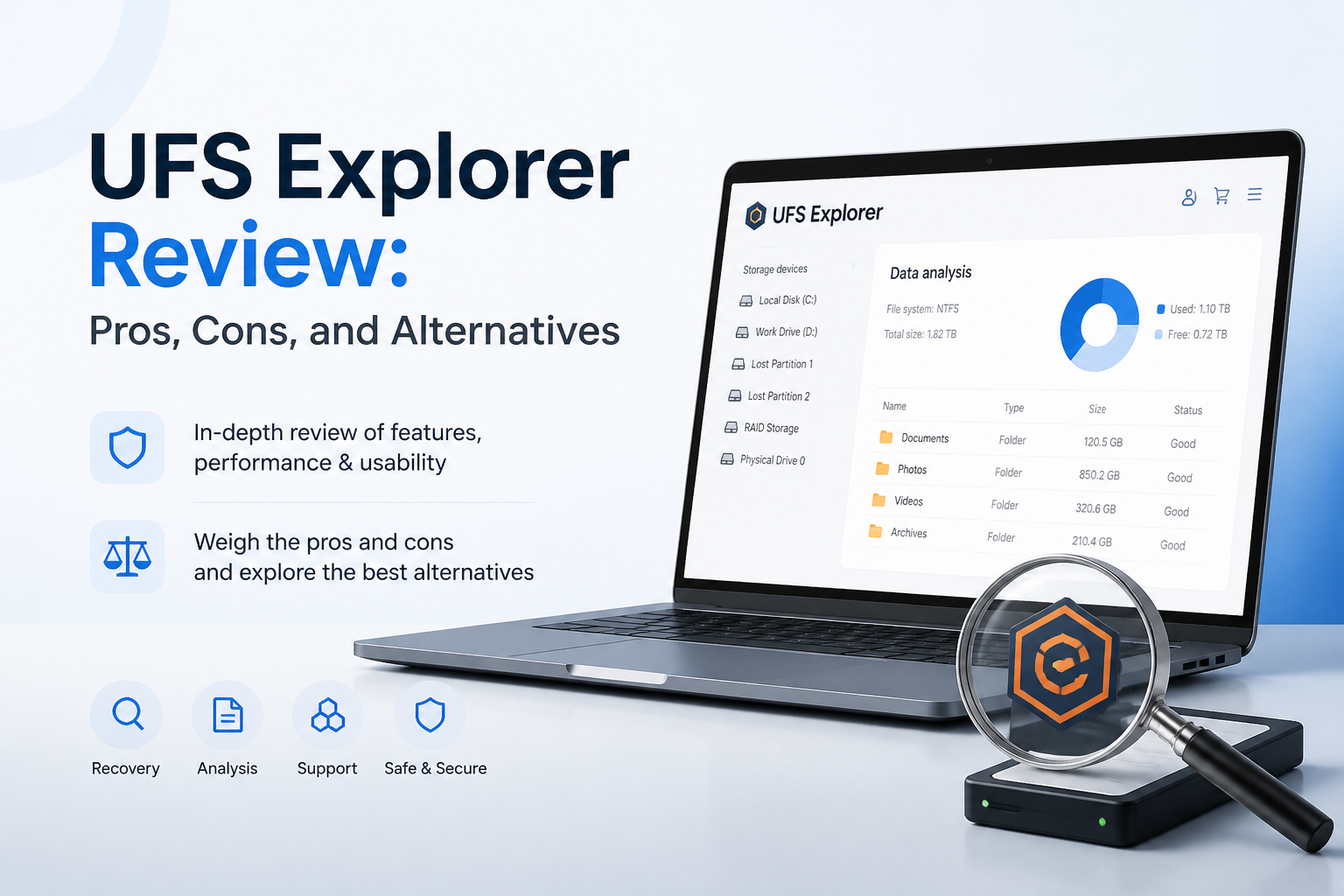
UFS Explorer at a Glance
5.8/10UFS Explorer Standard Recovery is a desktop application for restoring files from deleted, formatted, damaged, encrypted, or incompatible storage volumes. It runs on Windows, macOS, plus Linux.
Best forStorage technicians who need Linux support, unusual file systems, or detailed scan controls for a single-disk case
- Deleted-file plus formatted-volume scanning
- Support for 15-plus file systems
- BitLocker plus APFS volume unlocking
- Disk imaging for unstable storage
- Virtual disk access
- Broad file-system support
- Read-only source access
- Strong imaging controls
- Technical interface
- Tiny free saving limit
- Separate license for each operating system
How We Tested UFS Explorer Against Disk Drill
We used the same Windows 11 workstation, a 500 GB NTFS SSD, plus a 128 GB exFAT SD card. The test set mixed JPEG, RAW, MP4, MOV, DOCX, PDF, ZIP, plus spreadsheet files. Each device went through deletion, quick formatting, then a controlled scan with no extra data written afterward.
Scores considered usable-file recovery, scan duration, result organization, preview reliability, licensing, plus the number of decisions required before restoration. Physically failing drives were excluded because repeated software testing could worsen their condition.
When UFS Explorer Is the Wrong Recovery Choice
Skip UFS Explorer if you need a simple guided recovery, want the same license on both Windows plus macOS, or must recover a useful batch before paying. Its 256 KB trial limit is too small for most current photos, audio recordings, archives, plus videos.
Software recovery is also the wrong move if a drive clicks, disconnects repeatedly, reports a wildly incorrect capacity, or prevents the computer from starting normally. Power it down. A professional lab may be safer than another deep scan.
How UFS Explorer Scored Across Our Recovery Criteria
| Category | Performance | Score |
|---|---|---|
| 01 Recovery Results | 7.2/10 | |
| 02 Everyday Usability | 4.3/10 | |
| 03 Scan Workflow | 5.9/10 | |
| 04 Cost & Licensing | 5.5/10 | |
| 05 Help & Support | 6.1/10 |
UFS Explorer Recovery Performance, Usability, Pricing, Plus Support
01 Recovery Results
Capable scanning with inconsistent organization
7.2/10
Recovery Results
Capable scanning with inconsistent organization
UFS Explorer produced its best showing on the formatted SD card. It restored 76% of our recoverable test set, including most JPEG files plus several MP4 clips. The SSD result was weaker at 62%, partly because deleted SSD data may disappear after TRIM. That limitation affects every recovery application, not only UFS Explorer.
The engine found useful data, yet the result tree demanded patience. Reconstructed folders, signature results, deleted entries, plus intact files appeared in separate areas. A technical user may appreciate the detail. Someone looking for last weekend’s photos may wonder which branch to open first.
- Strong formatted-card result
- Supports NTFS, APFS, Ext4, ZFS, plus other file systems
- Reads BitLocker or APFS-encrypted volumes when valid credentials are supplied
- Built-in disk imaging reduces repeated reads from unstable media
- Recovered files can be scattered across several result branches
- File condition is less obvious at a glance than in Disk Drill
- SSD recovery remains limited by TRIM
02 Everyday Usability
Too much friction for a one-time emergency
4.3/10
Everyday Usability
Too much friction for a one-time emergency
The main window resembles a storage technician’s workspace rather than a consumer recovery app. Device trees, partitions, hexadecimal tools, storage properties, plus multiple scan commands compete for attention. None of this is inherently bad, but it raises the chance that a nervous user chooses the wrong volume or spends time inspecting irrelevant results.
Common jobs take more interpretation than they do in Disk Drill. UFS Explorer often expects the user to understand the difference between physical storage, a partition, a recognized file system, plus found file systems. Disk Drill’s device-first flow is easier to follow when the only goal is recovering a deleted folder.
- Detailed storage hierarchy
- Read-only access to source media
- Useful controls for experienced technicians
- Dense interface with technical terminology
- Weak guidance for first-time users
- Finding a specific file takes too many decisions
03 Scan Workflow
Flexible controls without enough plain-language guidance
5.9/10
Scan Workflow
Flexible controls without enough plain-language guidance
UFS Explorer gives users meaningful control over scan ranges, file systems, encoding, known content types, plus damaged-storage handling. That flexibility helps with unusual disks. It also makes a basic scan feel like setup work.
Our 500 GB quick scan finished in 8 minutes. The deeper pass took 74 minutes. Those times were acceptable, though Disk Drill finished both test scenarios sooner on the same machine. UFS Explorer’s strongest workflow feature was its unrestricted disk imager, which can create a safer working copy before scanning a questionable drive.
- Configurable scan ranges
- Scan sessions can be evaluated before purchase
- Full disk-imaging feature available in the trial
- Good control over known file-system searches
- Scan choices are poorly explained for casual users
- Results require more manual sorting than Disk Drill
- Slower in our 500 GB benchmark
04 Cost & Licensing
Fair base price weakened by platform limits
5.5/10
Cost & Licensing
Fair base price weakened by platform limits
UFS Explorer Standard Recovery starts at $69.95 for a personal license. It is a perpetual license for one selected operating system, with updates plus technical support included for 360 days. You may keep the last eligible version after that period.
The free evaluation has no scan time limit, but it saves only files of 256 KB or less. That is enough for tiny documents or thumbnails, not a meaningful set of modern photos. Disk Drill costs more at $89 per year or $149 for a lifetime license, yet one license covers Windows plus macOS. Its Windows Basic edition also recovers up to 100 MB free.
- One-time $69.95 starting price
- No time limit on trial scanning
- Purchased version remains usable after the update period
- License covers only the chosen platform
- Trial recovery is capped at 256 KB per file
- RAID recovery requires a costlier edition
05 Help & Support
Thorough documentation with slow human contact
6.1/10
Help & Support
Thorough documentation with slow human contact
UFS Explorer maintains detailed manuals, recovery articles, specifications, plus licensing notes. The documentation is useful once you know the technical term you need. It is less helpful when you are staring at an unfamiliar partition tree without knowing what to search for.
Standard paid support is email-only, with responses promised within 48 hours. There is no standard live chat or telephone channel. That feels slow during a recovery emergency, especially if an unstable drive should not be scanned repeatedly.
- Detailed product manuals
- Clear documentation of trial restrictions
- Support included during the active update period
- Standard response window is up to 48 hours
- No live chat or phone support under the standard plan
- Documentation assumes storage knowledge
UFS Explorer vs Disk Drill — Head to Head
Identical hardware, identical test scenarios. Here is how they compared.
| Metric | UFS Explorer | Disk Drill |
|---|---|---|
| SSD recovery rate | 62% | 71% |
| SD card recovery | 76% | 89% |
| Quick scan time (500 GB) | 8 min | 5 min |
| Deep scan time (500 GB) | 74 min | 58 min |
| Free recovery limit | 256 KB per file | 100 MB on Windows |
| License model | One platform | One-time $149 |
| Email support response | ~48 hours | ~9 hours |
| Overall score | 5.8 / 10 | 8.7 / 10 |
What to Use Instead
Disk Drill is the better fit for most deleted-file, formatted-drive, RAW card, plus lost-partition cases. It gives regular users a clearer route through the same stressful job.
01 Disk Drill
A clearer recovery tool for Windows plus macOS
8.7/10
Disk Drill
A clearer recovery tool for Windows plus macOS
Disk Drill makes the recovery process easier to understand without removing useful tools. Connected devices appear in a clean list, the main scan combines several recovery methods, plus results can be filtered by type, date, size, name, or recovery chance.
Its byte-to-byte backup feature creates an image of questionable storage before recovery. Advanced Camera Recovery is also useful for fragmented video from cameras or drones. Disk Drill PRO costs $89 per year or $149 for a lifetime license, covering one user on up to three devices across Windows plus macOS.
- Cleaner device-first interface
- Stronger recovery result filters plus file previews
- Byte-to-byte backups included
- Windows Basic recovers up to 100 MB free
- Single PRO license covers Windows plus macOS
- macOS Basic does not include the same 100 MB recovery allowance
- PRO purchases are generally nonrefundable
- RAID specialists may prefer deeper manual controls

What Recovery Users Report About Disk Drill
The poster said a RAW SD card was invisible to Recuva, while Disk Drill recovered family photos plus fragmented camera videos in roughly ten minutes.
Another user reported recovering the full 9 GB test set from a formatted USB drive, including photos, videos, plus spreadsheet files.
One commenter described a poor purchase experience after scanned files could not be restored, then criticized the support response. This is a good reason to preview important files before paying.
A separate user said Disk Drill restored data successfully after several other approaches failed, though the $89 annual cost remained a drawback.
Should You Use UFS Explorer for File Recovery?
UFS Explorer Standard Recovery has credible technical depth, particularly for Linux users, uncommon file systems, encrypted volumes, plus careful disk imaging. We still do not recommend it for most home recovery jobs because the interface is dense, the trial saves only 256 KB per file, plus each license is tied to one operating system.
Technicians who already understand partitions may find it useful. Everyone else should start with Disk Drill, preview several critical files, then pay only if those previews open correctly.
Stop using the affected drive, create a byte-to-byte image if it is unstable, then scan the image rather than the original storage.