AnyRecover for RAID Review 2026: Does it Really Work?
AnyRecover looks simple because it treats RAID recovery much like a normal drive scan. That approach may work on a mounted volume, but it feels underprepared once the array itself is broken.
AnyRecover may retrieve deleted files from a RAID volume that still appears as one readable device. Its public RAID guidance does not clearly document automatic reconstruction, disk order controls, stripe parameters, or broad platform-specific RAID support. Download Disk Drill instead if the array has dropped offline or lost its configuration.
Do not initialize, format, repair, or rebuild a failed RAID before creating images of every accessible member disk.
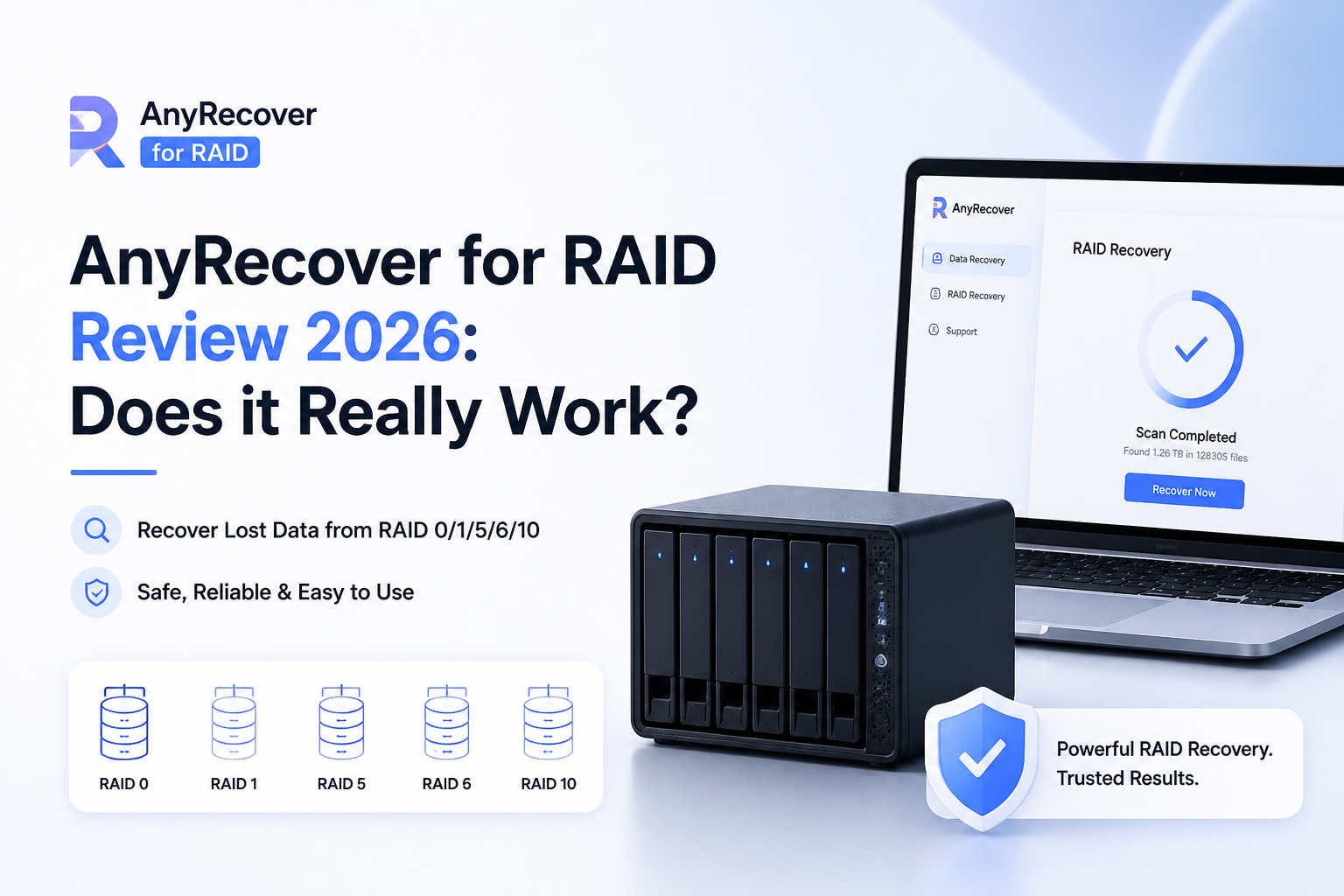
AnyRecover for RAID at a Glance
4.8/10AnyRecover is a general file-recovery program for Windows plus macOS. Its RAID workflow scans an array that appears as an external storage device.
Best forDeleted files on a RAID volume that still mounts normally through its controller
- Deep file scan
- File preview plus filtering
- Formatted-volume recovery
- Windows plus macOS support
- Photo or video repair tools
- Easy to navigate
- Lifetime license available
- Handles ordinary file-loss cases
- RAID reconstruction details are vague
- Few advanced array controls
- Weak imaging-first guidance
How We Evaluated AnyRecover for RAID Recovery
We examined AnyRecover's September 2026 product pages, RAID instructions, current pricing, preview workflow, plus published support material. We then compared those details with the controls needed in two common situations: deleted files on a mounted RAID volume plus a failed array exposed as separate member disks.
Scores place the most weight on reconstruction transparency, safe handling of degraded disks, file validation, plus the ability to evaluate results before paying. We did not assign a made-up recovery rate because results change with RAID geometry, overwritten sectors, controller metadata, file system damage, plus disk health.
When AnyRecover Is the Wrong Tool for a RAID Failure
Skip DIY recovery if a disk clicks, spins down, vanishes during reads, or reports rapidly growing hardware errors. Repeated scans can turn a partly readable drive into a dead one. A professional lab can stabilize or image failing members with hardware built for unstable media.
AnyRecover is also a poor choice if you must manually specify disk order, parity rotation, stripe size, or a missing member. Those details decide whether files spanning several disks are assembled correctly. A list of filenames alone is not proof of a successful reconstruction.
AnyRecover for RAID: How It Scored Across Our Recovery Criteria
| Category | Performance | Score |
|---|---|---|
| 01 RAID Reconstruction | 3.6/10 | |
| 02 File Recovery Results | 5.4/10 | |
| 03 Recovery Workflow | 6.8/10 | |
| 04 Drive Safety Controls | 4.2/10 | |
| 05 Cost and Licensing | 4.1/10 |
AnyRecover RAID Recovery Performance in Detail
01 RAID Reconstruction
Too little control for a genuinely failed array
3.6/10
RAID Reconstruction
Too little control for a genuinely failed array
AnyRecover's RAID instructions amount to connecting the array, selecting it under External Devices, then running a deep scan. That is reasonable if the controller still presents a complete logical volume. It does not answer the harder question: what happens when Windows or macOS can see only the individual member disks?
The published material names common levels such as RAID 0, RAID 1, RAID 5, RAID 6, plus RAID 10, yet it does not clearly explain which configurations the app can reconstruct. We found no useful public controls for disk order, stripe size, parity rotation, missing-member simulation, or offset correction. Disk Drill documents automatic reconstruction across Linux RAID, Windows RAID, Storage Spaces, Apple RAID, BTRFS, JBOD, plus Synology SHR.
- Can scan an array exposed as a logical volume
- Basic RAID instructions are easy to follow
- Works on Windows plus macOS
- No clearly documented manual reconstruction controls
- Supported RAID levels remain vague inside product guidance
- Poor fit when the controller no longer assembles the volume
02 File Recovery Results
Acceptable for deletion, less convincing for structural failure
5.4/10
File Recovery Results
Acceptable for deletion, less convincing for structural failure
AnyRecover includes deep scanning, file filtering, plus previews. Those features can help with accidental deletion or formatting when the RAID remains mounted. The workflow resembles ordinary hard-drive recovery, which is both its strength plus its limitation.
A broken striped or parity array needs correct reconstruction before file carving becomes meaningful. If the stripe geometry is wrong, a scan may show filenames or fragments that cannot be opened. AnyRecover gives users too little visible information to judge that reconstruction stage before paying.
- Preview helps identify some usable files
- Supports common documents, photos, archives, plus video
- Filtering reduces a large result list
- Previewed names do not prove striped files are intact
- Limited visibility into how the RAID was assembled
- No verified recovery percentage should be assumed
03 Recovery Workflow
Simple enough for a healthy logical volume
6.8/10
Recovery Workflow
Simple enough for a healthy logical volume
The interface keeps the process short: choose the device, scan, preview, then save selected files elsewhere. A home user dealing with an accidentally deleted folder will understand it without reading much documentation.
That simplicity starts working against the product during complex RAID jobs. Member-disk status, inferred geometry, reconstruction confidence, plus array topology should not be hidden during a multi-disk recovery. Disk Drill offers a clearer path for connecting every member disk so the software can identify then reconstruct supported arrays.
- Clean device selection screen
- Scan results can be filtered by file type
- Pause plus resume options reduce frustration
- Little setup for a mounted array
- Interface hides critical RAID assumptions
- Simple language can understate the risk of a failed array
04 Drive Safety Controls
Not enough emphasis on imaging first
4.2/10
Drive Safety Controls
Not enough emphasis on imaging first
RAID recovery should begin with read-only images whenever a member disk is unstable. AnyRecover's short RAID walkthrough moves directly from connecting the array to scanning it. That may encourage repeated reads from aging hardware without first preserving each disk.
We would prefer prominent health warnings, member-by-member imaging, plus a reconstructed virtual array built from those images. Disk Drill's byte-to-byte backup feature provides a more practical safety step for accessible disks, though physically failing hardware still belongs with a professional lab.
- Recovered files can be saved to another destination
- No need to modify a readable array during a basic scan
- The app warns users not to overwrite lost data
- RAID guide does not lead with member-disk imaging
- No detailed degraded-drive workflow
- DIY scanning remains risky with clicking or disconnecting disks
05 Cost and Licensing
Cheap lifetime access does not fix missing RAID depth
4.1/10
Cost and Licensing
Cheap lifetime access does not fix missing RAID depth
AnyRecover lists a $59.99 monthly plan, a $79.99 annual plan, plus a $99.99 lifetime license. The monthly or yearly options renew automatically unless canceled. The free download is useful for scanning plus previewing, but substantial recovery requires a paid license.
The lifetime price is lower than Disk Drill's $149 lifetime license. Still, price matters less if the software cannot reconstruct the damaged layout. Disk Drill's $89 annual plan costs slightly more, though its documented RAID coverage plus disk-imaging tools make the license easier to justify for this job.
- Lifetime license is available
- One-month option suits a single recovery attempt
- Paid plans cover Windows plus macOS
- Monthly plan is expensive for a one-time scan
- Subscriptions renew automatically
- Low price cannot compensate for unclear RAID reconstruction
AnyRecover vs Disk Drill for RAID Recovery: Head to Head
We compared the published RAID workflows, supported layouts, safety tools, plus current personal-license terms. The focus was a degraded array whose member disks remain individually readable.
| Metric | AnyRecover | Disk Drill |
|---|---|---|
| Failed-array reconstruction | Not clearly documented beyond scanning a detected RAID volume | Automatic detection plus reconstruction for supported arrays |
| Documented RAID families | General RAID-array support with few implementation details | Linux RAID, Windows RAID, Storage Spaces, Apple RAID, BTRFS, JBOD, SHR |
| Member-disk workflow | Connect the RAID as an external device | Connect all accessible member disks for array analysis |
| Disk imaging | No RAID-first imaging workflow in its public guide | Byte-to-byte images can be created before scanning |
| Basic mounted-volume scanning | Very simple three-step process | More detailed interface with extra recovery choices |
| Preview before purchase | Scan plus preview available | Scan plus preview available with limited free recovery |
| Pricing and license clarity | $59.99 monthly, $79.99 yearly, or $99.99 lifetime; subscriptions auto-renew | $89 yearly or $149 lifetime; one license covers Windows plus macOS |
| Overall score | 4.8 / 10 | 8.7 / 10 |
Use Disk Drill Instead for RAID Recovery
Disk Drill is the stronger choice when the operating system sees separate RAID members rather than one healthy volume. Its documentation states which layouts can be reconstructed plus how the disks should be connected.
01 Disk Drill
A better-documented route for reconstructing supported arrays
8.7/10
Disk Drill
A better-documented route for reconstructing supported arrays
Disk Drill is our preferred option for DIY RAID recovery because it explains how member disks are detected, assembled, then scanned. Its documented coverage includes Linux RAID 0/1/5/6/10, Windows RAID 0/1/5, Storage Spaces, Apple RAID, JBOD, BTRFS configurations, plus Synology SHR.
It also includes byte-to-byte imaging, previews, scan-session management, plus a single license for Windows or macOS. It cannot solve physical damage or every proprietary controller layout. Still, it gives users far more information before they risk a multi-disk recovery.
- Explicit support lists for major RAID platforms
- Automatic reconstruction of supported arrays
- Byte-to-byte backup tool
- Useful previews before upgrading
- One personal license covers both desktop platforms
- $89 annual plan costs more than AnyRecover's yearly plan
- Lifetime license costs $149
- A severely damaged array still requires a recovery lab

What Users Report About AnyRecover Plus Disk Drill
One AnyRecover customer said cancellation was difficult, with multiple confirmation steps. The customer reported securing a full refund only after a PayPal complaint.
A Disk Drill user reported recovering photos from an inaccessible camera card in roughly ten minutes after other utilities failed to detect it. The user praised previews plus the straightforward interface.
Another commenter in the same thread described a failed paid recovery plus a poor support experience. That complaint is a reminder to verify important files in preview before purchasing.
Should You Use AnyRecover for a Failed RAID?
AnyRecover is not our recommendation for a genuinely failed RAID. It may be adequate for deleted files when the controller still presents one readable volume, but its thin reconstruction documentation leaves too much uncertainty for degraded, missing, or misconfigured arrays. Use Disk Drill first when all member disks remain accessible, or stop entirely plus contact a recovery lab if any disk makes unusual noises or repeatedly disconnects.
Label every member disk by bay position, create sector-level images where possible, then scan the images rather than the original drives.