ReclaiMe for RAID Recovery: Review 2026
ReclaiMe can identify difficult arrays, yet the awkward two-app process, Windows requirement, plus costly NAS license make it a rough choice for most home recoveries.
ReclaiMe can reconstruct common RAID layouts, including RAID 0, RAID 5, RAID 6, RAID 10, plus RAID 01. Still, its separate RAID-analysis utility, Windows-only operation, plus a $189.95 Ultimate lifetime license for Linux, Mac, or NAS file systems make it hard to recommend. Disk Drill is the more approachable option for most personal RAID recovery jobs.
Do not scan failing RAID members repeatedly or rebuild the original array in place, since either move can make later recovery harder.
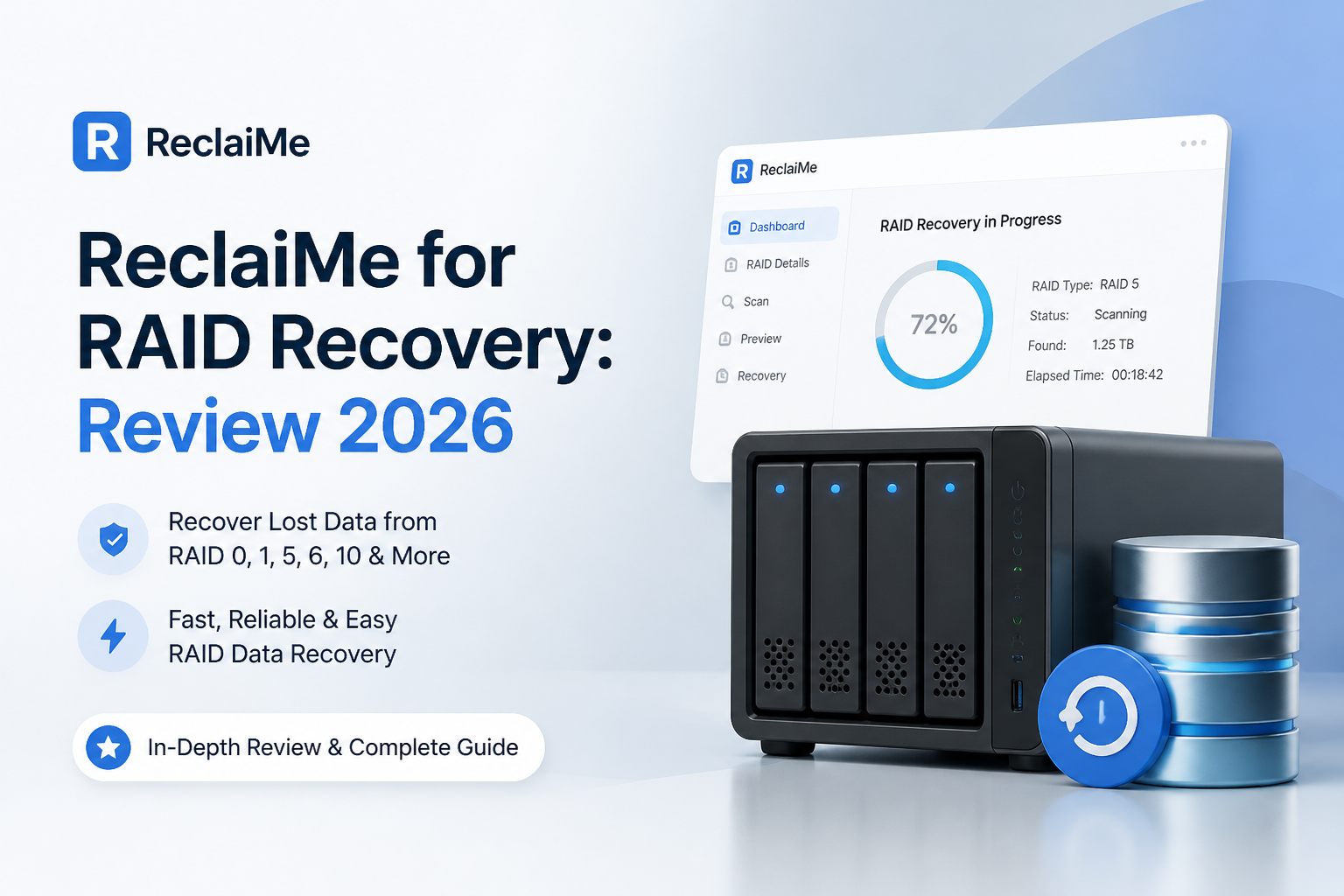
ReclaiMe for RAID Recovery at a Glance
5.6/10ReclaiMe combines a free RAID-parameter analyzer with paid file-recovery software. It can virtually reconstruct several common array layouts, then search the resulting volume for files.
Best forWindows users who need to inspect a common RAID layout plus understand its detected parameters
- RAID 0, 5, 6, 10, plus 01 analysis
- Automatic disk-order plus stripe-size detection
- Preview before license purchase
- Windows, Linux NAS, plus Mac filesystem coverage by tier
- Array image creation
- Solid automatic RAID analysis
- Broad Ultimate filesystem support
- File previews before payment
- Windows-only application
- Split recovery workflow
- NAS recovery usually requires Ultimate
How ReclaiMe for RAID Recovery Scored Across Our Criteria
| Category | Performance | Score |
|---|---|---|
| 01 RAID Reconstruction | 7.4/10 | |
| 02 Recovery Workflow | 4.8/10 | |
| 03 Filesystem Coverage | 6.8/10 | |
| 04 Platform Access | 3.8/10 | |
| 05 Cost and Licensing | 5.1/10 |
How We Evaluated ReclaiMe for RAID Recovery in 2026
We reviewed the current ReclaiMe build, its Free RAID Recovery handoff, supported filesystem matrix, preview process, plus license tiers. The workflow was judged around common RAID 0, RAID 5, plus RAID 10 failures where all member disks remain readable but the original enclosure or metadata no longer presents a usable volume.
Scores favor safe imaging, clear member selection, reliable previews, broad filesystem handling, plus a path a first-time user can follow without rewriting source disks. Physical damage, severe read instability, encrypted arrays, plus proprietary layouts were treated as lab cases rather than fair DIY tests.
When ReclaiMe Is the Wrong Tool for a Failed RAID
Skip DIY recovery if a member disk clicks, vanishes intermittently, reports a zero capacity, or slows to a few kilobytes per second. Repeated scans can exhaust a failing mechanism. Shut the array down, record the original bay order, then ask a recovery lab for an evaluation.
ReclaiMe is also a poor fit for Mac-only users, encrypted storage, UNRAID, Storage Spaces Direct, plus several advanced ZFS cases. Do not initialize disks, accept an operating-system repair prompt, run CHKDSK, or let the NAS rebuild onto the only surviving copy.
ReclaiMe RAID Recovery Performance in Detail
01 RAID Reconstruction
Strong automatic analysis for familiar array layouts
7.4/10
RAID Reconstruction
Strong automatic analysis for familiar array layouts
RAID reconstruction is the part ReclaiMe gets mostly right. Its free companion utility can analyze RAID 0, RAID 5, RAID 6, RAID 10, plus RAID 01, then estimate disk order, block size, start offset, parity position, plus rotation.
That automation saves time when a NAS enclosure dies but its member disks still read correctly. The downside appears after analysis. The free tool finds the layout, but exporting ordinary files usually sends you into ReclaiMe File Recovery. It feels less like one recovery application, more like two utilities joined at the handoff.
- Automatic disk-order detection
- Finds block size plus parity layout
- Supports several common striped or parity arrays
- Can create an array image for later work
- RAID analysis sits in a separate utility
- No support for every proprietary RAID format
- Automatic guesses still require careful verification
02 Recovery Workflow
Too many handoffs during a stressful job
4.8/10
Recovery Workflow
Too many handoffs during a stressful job
The basic process is understandable: attach every readable member, run RAID analysis, inspect the proposed geometry, then open the reconstructed volume in compatible recovery software. In practice, the switch between Free RAID Recovery plus ReclaiMe File Recovery adds uncertainty at exactly the wrong moment.
File previews are available before purchase, which is useful. Still, the interface gives less guidance than Disk Drill when sorting large result sets, checking recovery chances, or creating a byte-for-byte image before the main scan. A small home NAS with several terabytes can produce a lot of nearly identical folders, so those details matter.
- Recovered folders may appear before a scan completes
- File preview helps verify selected results
- Mostly automatic default scanning
- Separate RAID plus file-recovery stages
- Dated presentation makes disk selection less clear
- Large result trees take patience to review
03 Filesystem Coverage
Broad support depends on the license tier
6.8/10
Filesystem Coverage
Broad support depends on the license tier
ReclaiMe Standard covers the Windows-focused formats most people expect, including FAT, exFAT, NTFS, plus ReFS. Ultimate adds APFS, HFS variants, UFS, EXT2 through EXT4, BTRFS, plus XFS. That broader tier is normally the relevant one for disks pulled from a Synology, NETGEAR, Buffalo, QNAP, or similar NAS.
Coverage is respectable, but the product matrix needs close reading. ZFS, RAIDZ, VMFS, plus certain advanced NAS cases move into ReclaiMe Pro territory. UNRAID, encrypted devices, plus Storage Spaces Direct remain listed as unsupported.
- Good Windows filesystem support
- Ultimate covers common Linux NAS formats
- BTRFS plus XFS support suits several NAS models
- NAS users generally need the pricier Ultimate tier
- ZFS plus RAIDZ require the professional product
- Encrypted volumes are unsupported
04 Platform Access
A Windows PC is mandatory
3.8/10
Platform Access
A Windows PC is mandatory
ReclaiMe runs only on Windows. It can read several Mac or Linux filesystems with the right license, but the drives must still be connected to a Windows machine. That is a real inconvenience for a Mac-only household or a small studio built around macOS.
Disk Drill runs natively on Windows plus macOS, with one personal license covering both platforms. ReclaiMe may still work if you have a spare Windows tower with enough SATA or USB connections. Without that setup, cabling several RAID members becomes its own project.
- Reads non-Windows filesystems through Ultimate
- Works with internal disks, USB docks, plus disk images
- Modest installation requirements
- No native macOS application
- No Linux application
- Multi-disk attachment can require extra hardware
05 Cost and Licensing
The useful NAS tier costs considerably more
5.1/10
Cost and Licensing
The useful NAS tier costs considerably more
ReclaiMe lets you scan plus preview files before paying. Saving recovered data requires a license. Current listed prices are $59.95 for Standard Limited Life, $89.95 for Standard Lifetime, $119.95 for Ultimate Limited Life, plus $189.95 for Ultimate Lifetime.
The cheaper Standard plans make sense for FAT, exFAT, NTFS, or ReFS. Most Linux-based NAS recovery cases call for Ultimate, so the practical comparison is often ReclaiMe Ultimate at $119.95 or $189.95 versus Disk Drill PRO at $89 per year or $149 lifetime. Disk Drill also covers Windows plus macOS under one personal license.
- Free scanning plus file previews
- Lifetime choices avoid renewal fees
- Standard Lifetime is reasonably priced for Windows arrays
- NAS filesystem support pushes buyers toward Ultimate
- Ultimate Lifetime costs $189.95
- License differences are easy to misunderstand
ReclaiMe vs Disk Drill for RAID Recovery: Head to Head
We compared both tools around a typical home or small-office recovery: several readable RAID members, a missing volume, mixed media, plus a separate destination disk. ReclaiMe has deeper parameter visibility, while Disk Drill offers the smoother overall route from imaging to export.
| Metric | ReclaiMe | Disk Drill |
|---|---|---|
| RAID layout analysis | Automatic analysis with detailed RAID parameters | Automatic reconstruction inside the main recovery app |
| Workflow | Separate RAID utility plus file-recovery app | Scan, preview, image, plus recover in one interface |
| Desktop platforms | Windows only | Windows plus macOS |
| Pre-scan disk imaging | Array image creation is available | Built-in byte-to-byte backup with a guided flow |
| Result browsing | Folder tree, search, plus previews | Filters, previews, search, plus recovery-chance labels |
| Personal license | Ultimate Lifetime $189.95 | PRO Lifetime $149 |
| Best fit | Users who need manual insight into RAID geometry | Home users seeking a simpler recovery path |
| Overall score | 5.6 / 10 | 8.7 / 10 |
What to Use Instead of ReclaiMe
Choose Disk Drill if you want fewer handoffs, native Mac support, straightforward image creation, plus a lower-priced lifetime personal license.
01 Disk Drill
A cleaner choice for personal RAID recovery
8.7/10
Disk Drill
A cleaner choice for personal RAID recovery
Disk Drill puts RAID reconstruction, disk imaging, scanning, previews, plus file export in one application. It supports Windows plus macOS, while a single PRO license covers both systems with up to three personal device activations.
The free edition can scan storage, create byte-to-byte backups, plus preview recoverable files. Windows users may recover up to 100 MB free. Paid recovery costs $89 per year or $149 for a lifetime license. ReclaiMe still exposes more RAID geometry details, but Disk Drill asks less of someone facing a first NAS or software-RAID failure.
- One interface for imaging, scanning, plus recovery
- Native Windows plus macOS apps
- Clear previews plus result filters
- RAID reconstruction included
- Lifetime PRO license costs less than ReclaiMe Ultimate Lifetime
- PRO is required for substantial file recovery
- Physically failing drives still belong with a lab
- Less manual RAID geometry control than ReclaiMe

What RAID Recovery Users Report About ReclaiMe
A Trustpilot reviewer said ReclaiMe was the only utility they tried that completed recovery from a failed QNAP RAID 5 containing nearly 32 TB.
A Reddit user described ReclaiMe's strength as filesystem reconstruction, adding that recovered files were worth more than the roughly $80 Standard license cost.
One user reported that a long ReclaiMe scan closed unexpectedly around 36 percent after another program was launched, which raised concern during a large-volume recovery.
Another user saw the original folder structure early in a scan, then found later results confusing when files also appeared in a RAW section.
Should You Use ReclaiMe for RAID Recovery?
ReclaiMe is not our recommended RAID recovery tool for most individuals. Its array analysis is useful, but the Windows-only setup, two-stage workflow, plus $189.95 Ultimate Lifetime price create needless friction for home NAS recovery. It fits a technically confident Windows user who wants to inspect RAID parameters. Everyone else should start with Disk Drill, create a byte-to-byte image where possible, then confirm important files through previews before paying.
Label every RAID member by bay position, connect them read-only where possible, then image unstable disks before running any full recovery scan.